Visual content’s everywhere. Websites. Social media. Education. Advertising. Presentations. Digital publishing. Used to mean photography, illustration, stock-photo hunting, professional design software. Still valuable, all of it. But AI’s opened up another road — generating visuals from written instructions, reference images, or both together.
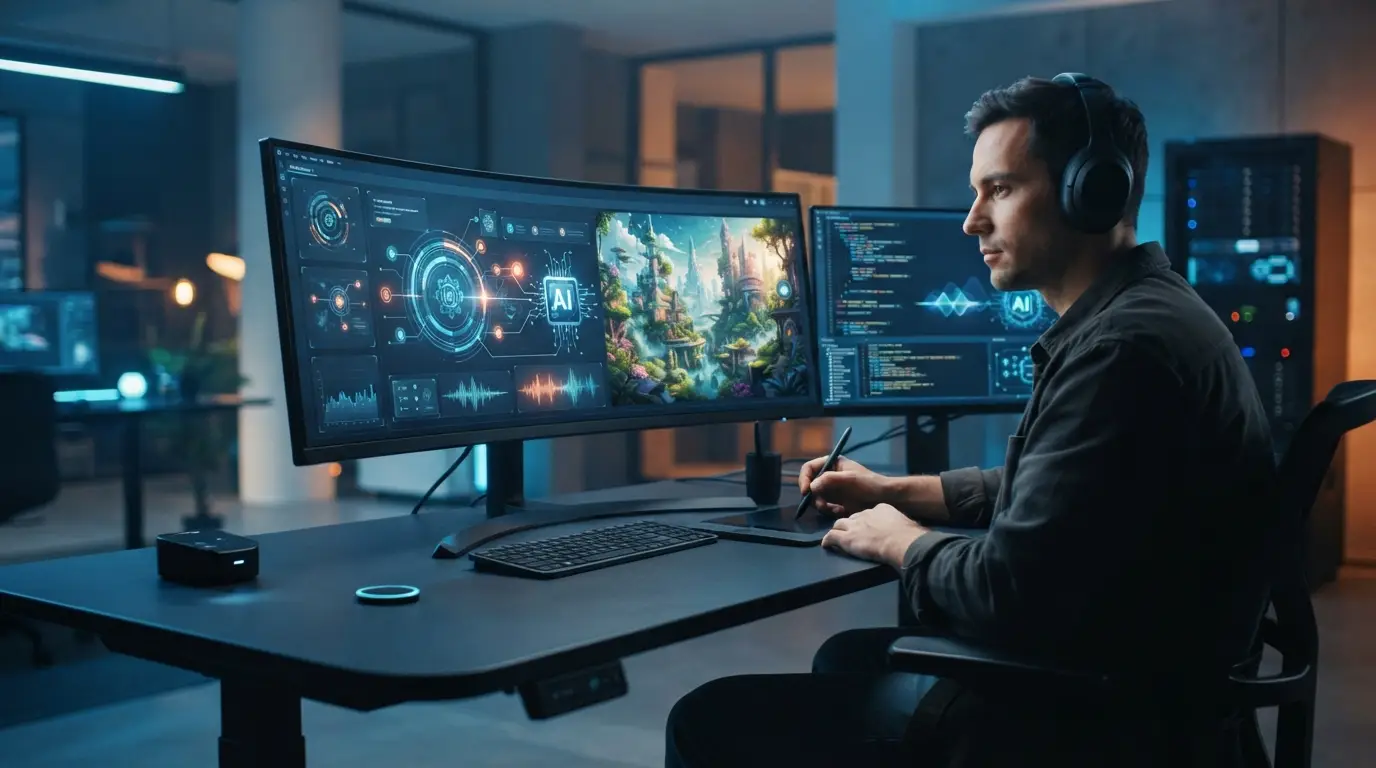
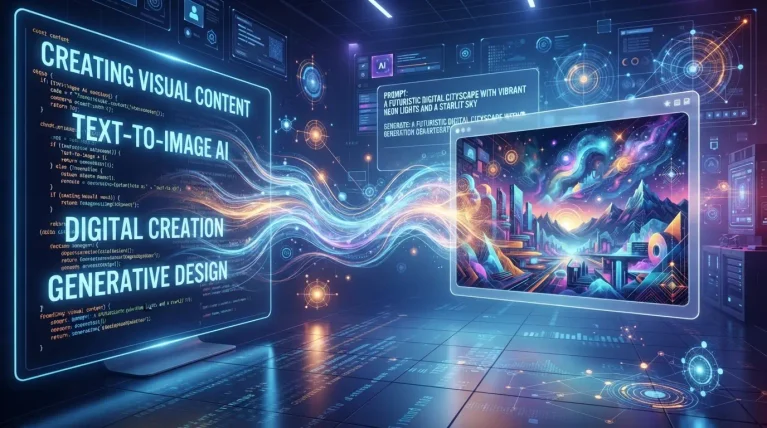
An AI image creator turns an idea into a real starting point. No manual drawing every element. No shooting every photo. Modern systems read descriptions — subjects, environments, composition, lighting, colors, style — and run with it. Good for experimenting. Good for actual production work, too.
What an AI Image Creator Actually Is
Software using generative AI to produce or modify visual content, based on what a user asks for. Describe a landscape. A character. A product scene. A poster concept. An illustration. The system tries to turn that into an image.
Most modern systems run on machine-learning models trained to recognize how visual elements relate to each other. Feed it a prompt, and it’s not digging through a database for a matching photo. It’s processing the requested characteristics and building something new — based on patterns picked up during training.
Works with existing images too. A reference photo, a sketch, something else visual — all of it adds info about composition, subject placement, overall look.
From a Written Idea to an Actual Visual Concept
Here’s the big shift: starting with an idea instead of a finished design.
Writer’s covering renewable energy, needs an illustration — solar panels on a modern building. Instead of scrolling through stock libraries forever, just describe the scene. Let AI build the first concept.
Same logic for brainstorming. Designers generate several directions, then pick which one’s actually worth developing further by hand. AI as one step in an iterative process. Not a replacement for the design work itself.
Where This Stuff Actually Shows Up
Social media. Posts, thumbnails, illustrations, backgrounds — different aspect ratios make adapting one concept across platforms way easier.
Marketing and advertising. Campaigns, product announcements, presentations, promo material — explore several directions before committing real time to photography or professional design.
Education. Diagrams, historical settings, scientific concepts, fictional scenes — customized visuals that make complicated stuff click faster.
Concept development. References. Moodboards. Colors, environments, compositions, styles — explored before anyone touches a polished final image.
Why Human Input Still Matters. A Lot.
AI can produce sophisticated results fast. Doesn’t mean the output’s automatically right. An image can technically match the prompt and still have inaccurate details. Awkward anatomy. Inconsistent objects. Misleading visual info hiding in plain sight.
Human review matters even more for educational, professional, journalistic, or commercial use. Someone still has to check whether the visual actually communicates what it’s supposed to. Whether the facts, if there are any, are actually correct.
Ongoing debate here too — is AI a creative collaborator? An advanced tool? Something in between? Researchers and artists still arguing that one out.
Writing a Genuinely Good Prompt
Quality depends a lot on clarity. Main subject. Location or environment. Lighting. Perspective or camera angle. Color preferences. Visual style. Orientation. Important objects or background details worth calling out. All of it feeds in.
“A modern office” — vague. “A bright modern office, large windows, natural wood furniture, indoor plants, soft morning light, wide-angle perspective” — that’s a real direction, not a guess.
More detail doesn’t guarantee perfection. Just gives the system clearer boundaries to work inside.
Where the Real Limits Sit
Generated images can get inconsistent, especially with a lot of interacting objects or precise details piled into one prompt. Text inside ChatGPT Images 2.5 — historically rough. Getting better, though.
Real questions too — copyright, source material, privacy, appropriate use. Worth understanding the terms on whatever platform’s being used. Worth not uploading private or sensitive material that doesn’t need to be there in the first place.
Also worth thinking: could this mislead someone? A realistic image can read as a real photograph even when it’s completely fictional. Clear labeling matters when authenticity’s actually on the line.
AI as One Piece of a Bigger Workflow
Best way to think about this: one stage in a bigger creative process. Start with an idea. Generate a few concepts. Pick the strongest direction. Edit it. Fold it into the larger project.
Same logic runs through AI-assisted video now too — automated tools organizing source material, building an initial draft, while creators keep control over timing, composition, and the final edit.
At the end of the day, AI image creation changes how people move from an abstract idea to a real visual draft. Doesn’t remove the need for creativity. Doesn’t remove editing. Doesn’t remove fact-checking or responsible judgment. Just another way to experiment with visual ideas, and build content a lot faster than before.